Swagger-UI
To use the Swagger-UI, point your web browser to the server and port that hosts the ArcadeDB server at the /api/v1/docs endpoint.
For instance, when running ArcadeDB locally with the default port this means: http://localhost:2480/api/v1/docs .
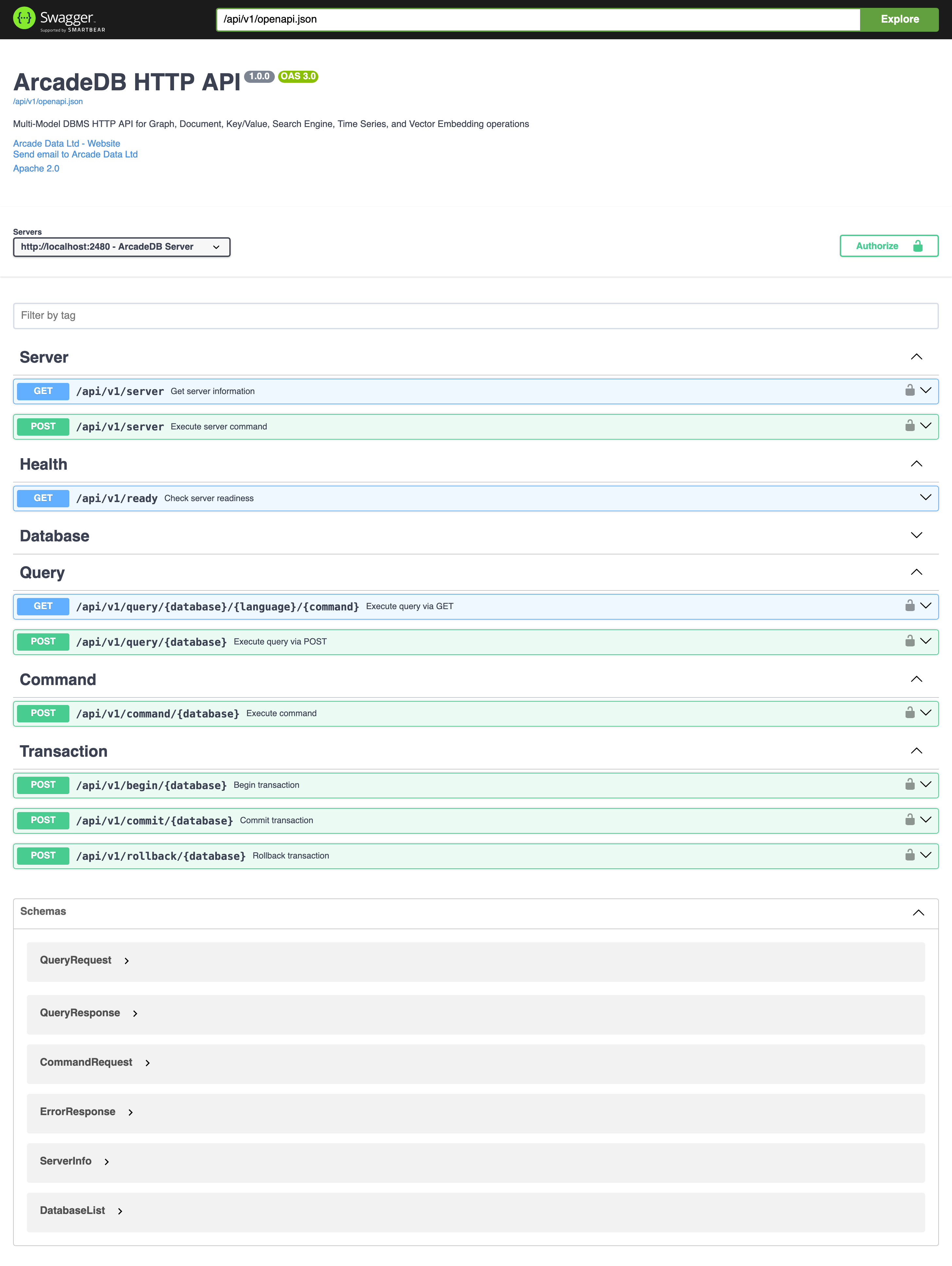
With the Swagger UI you can hands-on explore the HTTP API and test requests.
The page is served with the Content-Security-Policy of arcadedb.server.httpContentSecurityPolicy,
which refuses inline script by default. The page adds the hash of its own bootstrap script to the directive that
governs script (script-src-elem, else script-src, else default-src), so a custom policy does not need to allow it.
If your policy refuses every script there ('none'), the page cannot start: the server logs a warning once and leaves
the policy as configured. (Since v26.10.2.)
|